Metrics
Track project metrics and KPIs from your JIRA data.
The Metrics feature provides key project indicators derived from your synced JIRA data. Track velocity, throughput, and other team metrics directly in your spreadsheet.
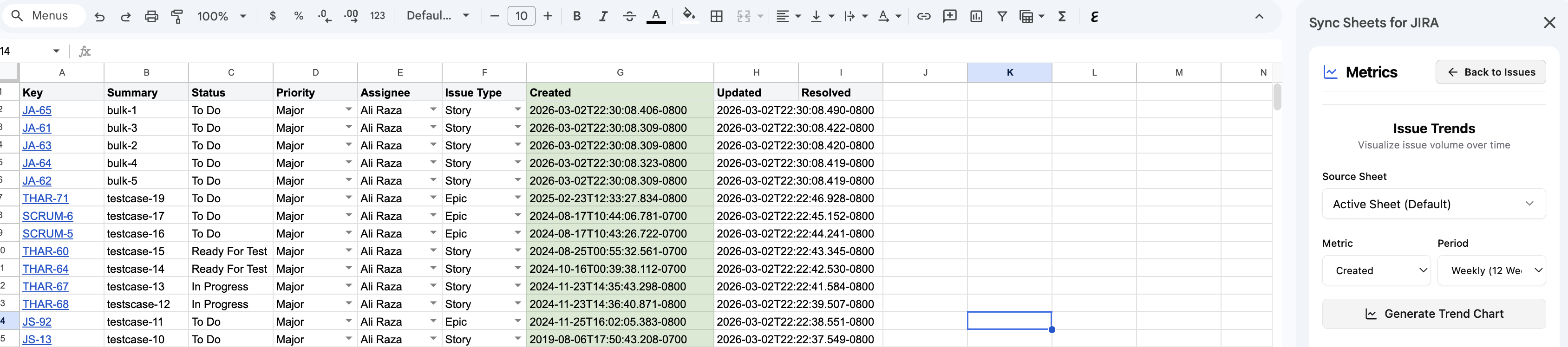
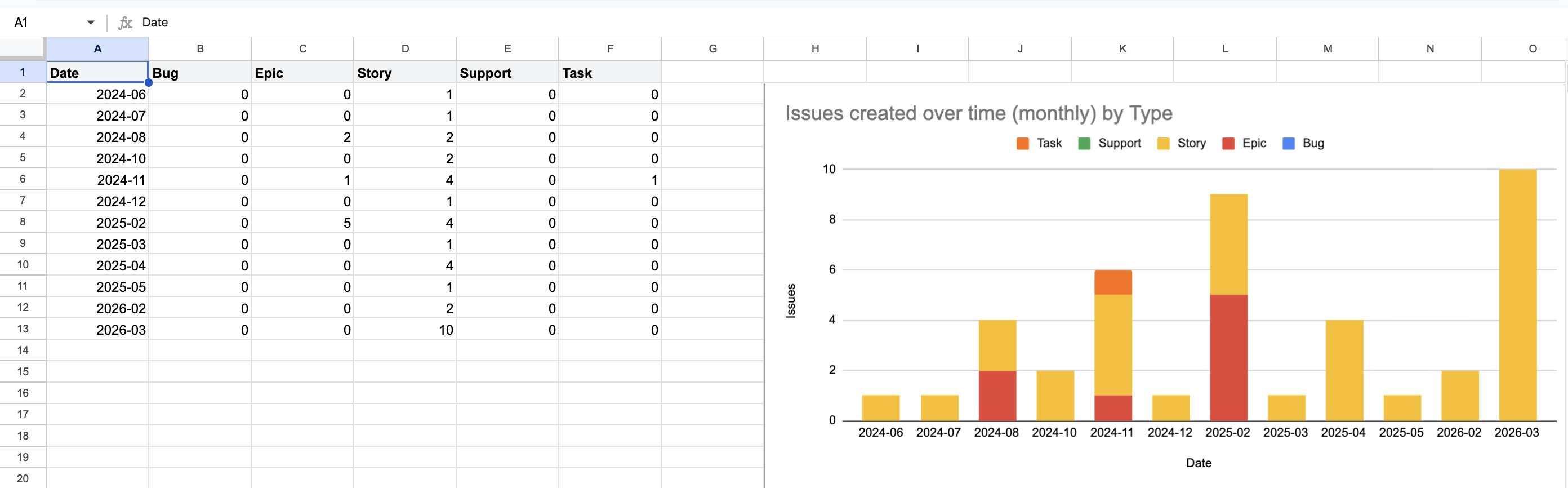
Accessing metrics
Open the Metrics panel from the Sheet Sync sidebar. Metrics are calculated from the JIRA issues currently synced in your spreadsheet.
Available metrics
- Issue count — total issues matching your query
- Completion rate — percentage of issues in Done status
- Open vs. closed — breakdown of resolved and unresolved issues
- Average age — mean time issues have been open
- Throughput — issues completed over a time period
Using metrics for reporting
Metrics values are inserted into your spreadsheet, so you can reference them in formulas, charts, and reports. Combine with scheduled syncs to automatically update metrics on a recurring basis.