Label Management
Manage JIRA labels across projects from your spreadsheet.
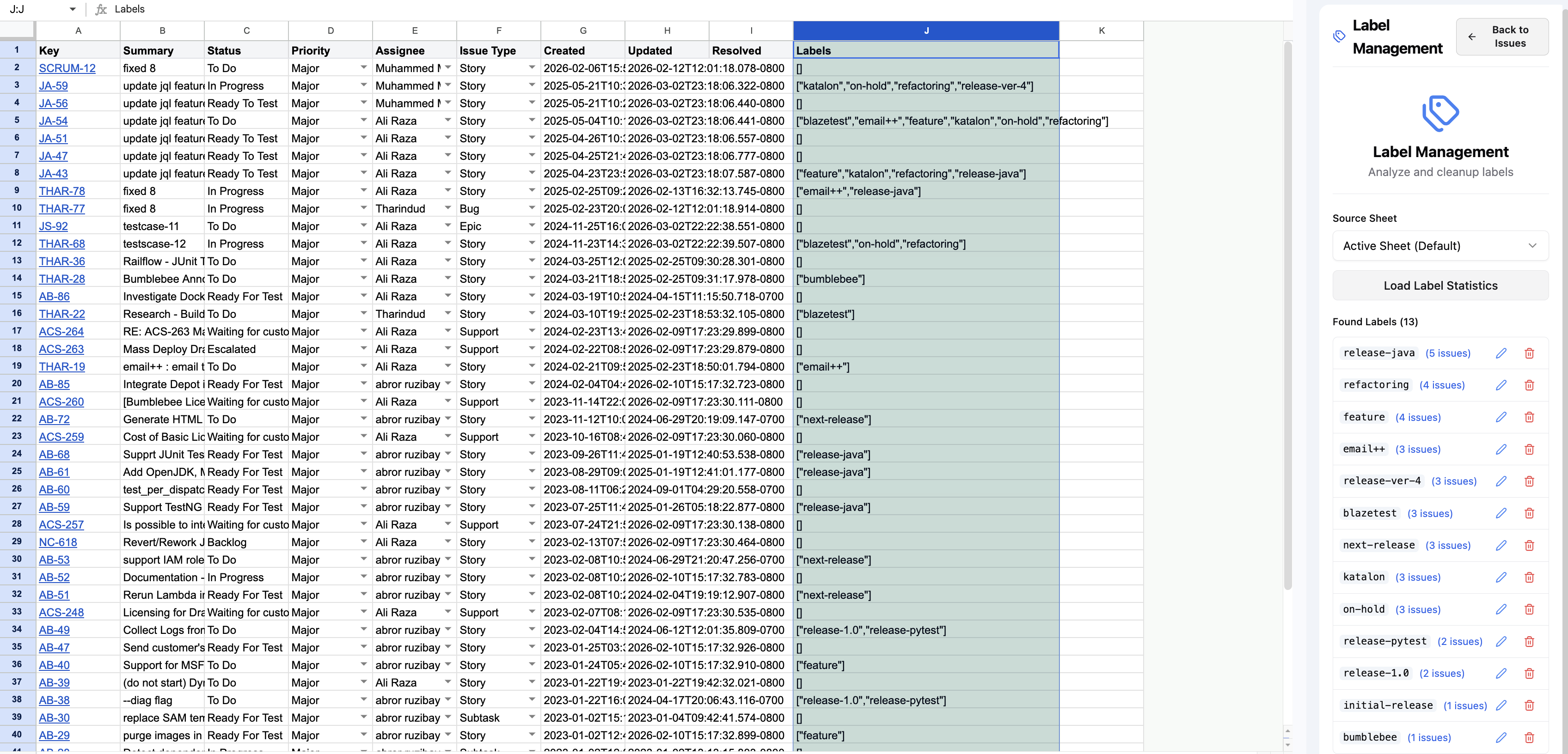
Labels are easy to create in JIRA but impossible to manage. The Label Management feature lets you view, create, rename, and manage JIRA labels across your projects directly from your spreadsheet.
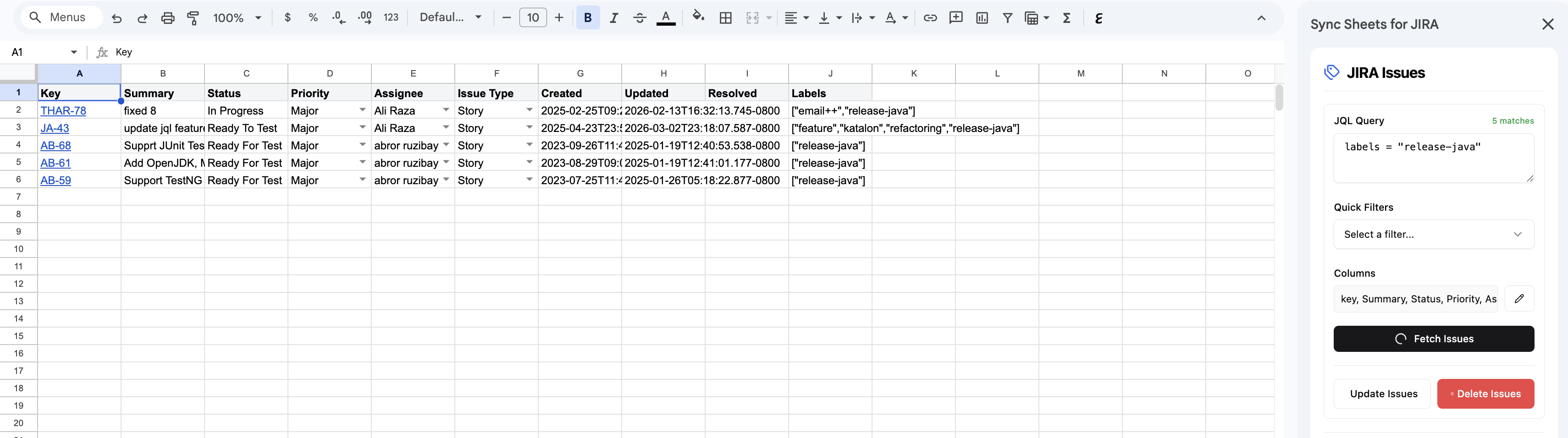
How it works
- Open Label Management from the sidebar.
- View all labels used across your JIRA projects.
- Add, rename, or remove labels in bulk.
- Apply label changes back to JIRA.
Use cases
- Standardize labels — ensure consistent labeling across projects and teams
- Bulk labeling — apply labels to many issues at once from a spreadsheet
- Label cleanup — identify and remove unused or duplicate labels
- Label reporting — see which labels are used most frequently across projects