JQL Update
Bulk update JIRA issues using SQL like syntax
The JQL Update feature lets you bulk update JIRA issues using a simple SQL like syntax-based command. Instead of editing individual cells, you write an update command that specifies which fields to change and which issues to target using a JQL condition.
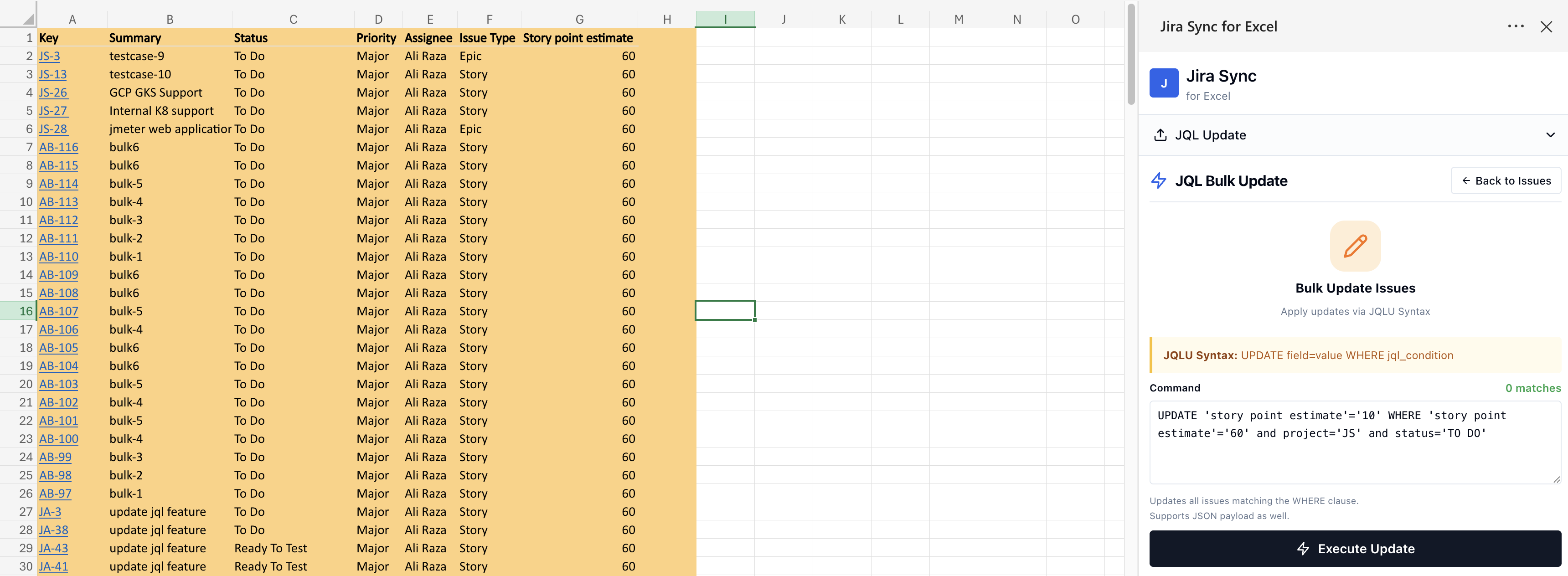
JQLU Syntax Example:
UPDATE field="value", field = "value" WHERE jql_condition
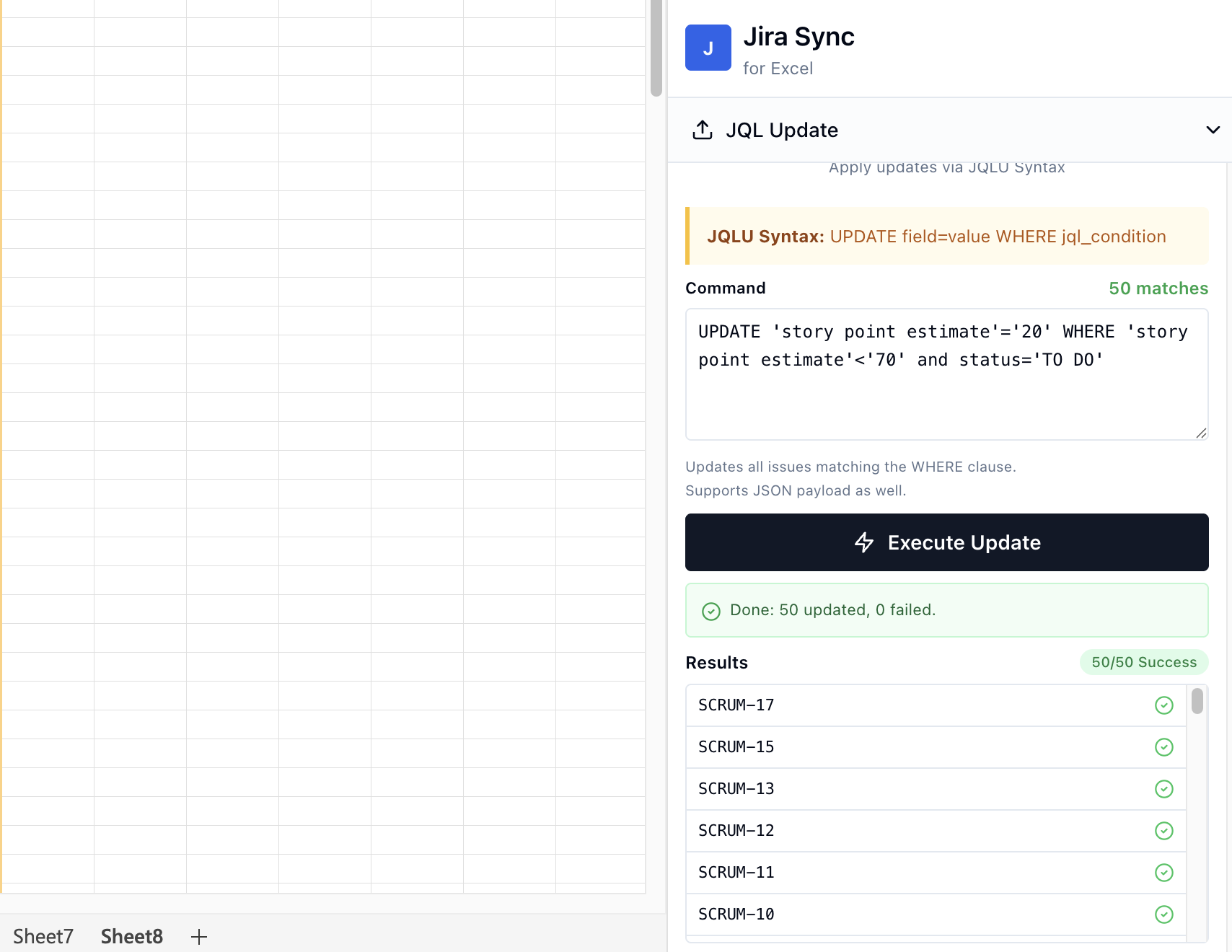
How it works
- Open the JQL Bulk Update panel from the sidebar.
- Write a JQLU command specifying the fields to update and a JQL WHERE clause to target specific issues.
- Click Execute Update to apply the changes.
- A confirmation dialog will show the number of matching issues before the update is applied.
Command examples
Supported fields
You can update most standard and custom JIRA fields:
- Summary, Status, Assignee, Priority
- Labels, Components, Fix Versions
- Sprint, Story Points
- Custom fields